Kino Live Feature
Workforce Analytics
Turn everyday presence into trustworthy workforce data. Attendance, hours, and productivity reporting build themselves — no timesheets, no surveillance.

Numbers you can actually trust
Manual timesheets are guesswork and surveillance tools breed resentment. Kino Live takes a different path: people clock in simply by entering a workspace, so attendance and hours reflect what actually happened.
Managers get clear, exportable reporting on hours per member and per workspace — the clarity to run a distributed team without hovering over it.
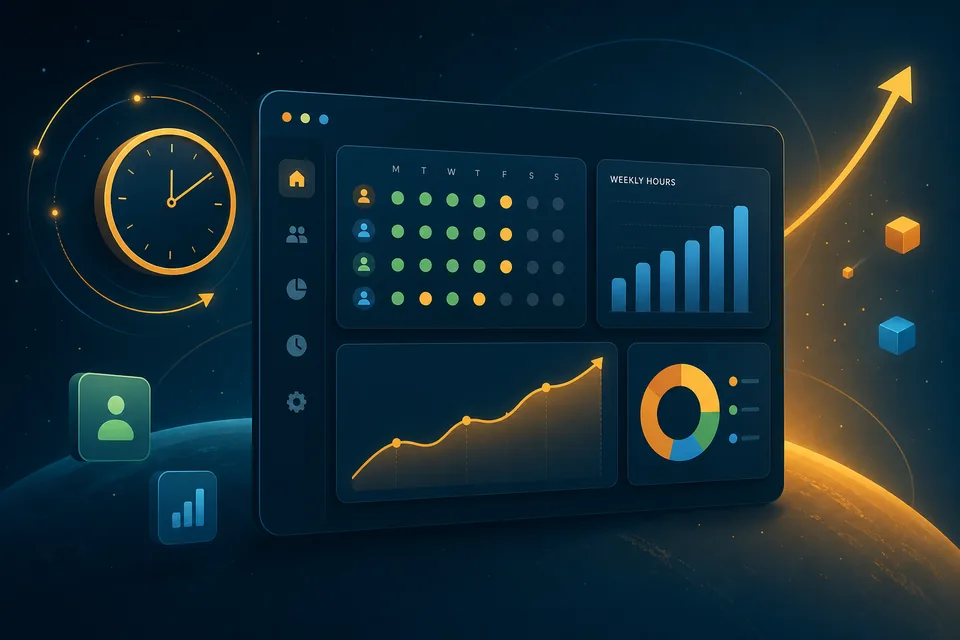
What you can do with Workforce Analytics
The capabilities that make it work for distributed, hybrid, and field teams.
Automatic time tracking
Clock-in and clock-out happen the moment someone enters or leaves a workspace — no buttons to remember.
Attendance at a glance
See who’s present, focusing, or away in real time, across every team and workspace.
Productivity reporting
Weekly hours per member and per workspace, summarized into reports leaders can act on.
Payroll-ready exports
Export to CSV in a single click, with pre-set member rates for simplified payroll.
Where teams put it to work
Real scenarios where workforce analytics makes the difference.
Agencies billing by the hour
Billable hours build automatically as the team works in client rooms, so invoices match reality without manual logging.
Distributed operations
Ops leaders track attendance across time zones with a live view instead of chasing status updates.
Payroll runs
Finance exports a clean, rate-applied report each pay period instead of reconciling scattered spreadsheets.
Explore more features
Ready to Try the Online Co-working Space?
Try Kino Live free for 14 days. See why distributed teams choose our online co-working space to stay connected and productive.
- 14-day free trial
- Cancel anytime