Kino Live Feature
Privacy Controls
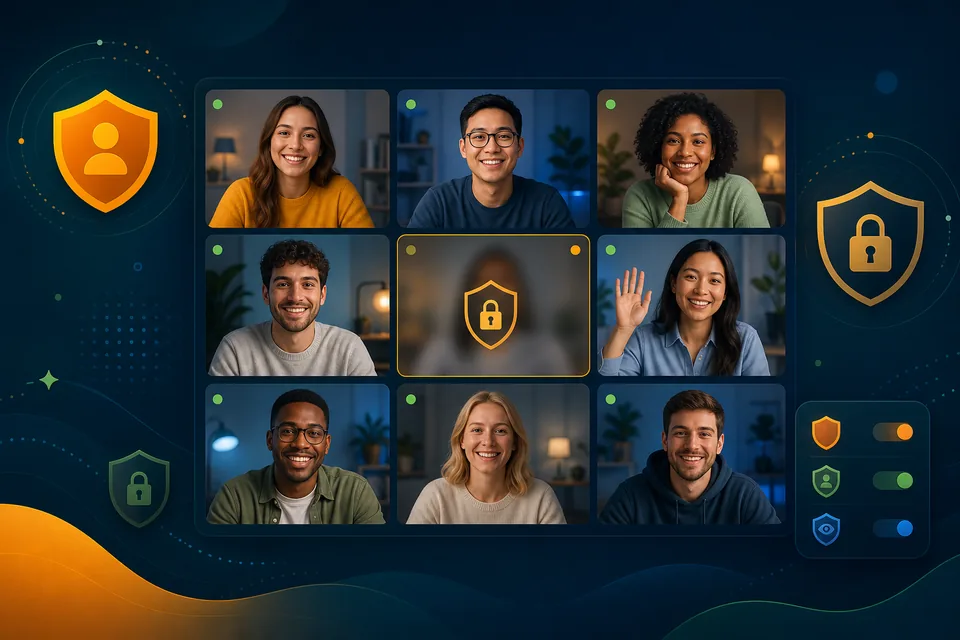
Stay present on your terms. Private spaces, role-based permissions, and privacy mode with video blurring give everyone control over what they share.

Presence without exposure
Being part of an always-on office shouldn’t mean being always on display. Kino Live gives every person control over their presence, with tools to stay connected while protecting their space.
From video blurring to role-based access, privacy controls let teams be visible and reachable without feeling surveilled.
What you can do with Privacy Controls
The capabilities that make it work for distributed, hybrid, and field teams.
Privacy mode
Blur your video to stay present and approachable without being fully on camera.
Role-based permissions
Control who can see, join, and manage spaces based on clearly defined roles.
Private by design
Sensitive conversations live in sealed spaces only invited people can access.
Confidence to be visible
Presence feels comfortable because people decide how much they share.
Where teams put it to work
Real scenarios where privacy controls makes the difference.
Camera-optional culture
Teammates keep video blurred during focus time, staying present without the pressure of being on camera.
Regulated industries
Role-based access keeps confidential workspaces sealed to authorized staff only.
Comfortable presence
New hires ease into an always-on office knowing they control exactly what they share.
Explore more features
Ready to Try the Online Co-working Space?
Try Kino Live free for 14 days. See why distributed teams choose our online co-working space to stay connected and productive.
- 14-day free trial
- Cancel anytime