Kino Live Feature
Screen Sharing
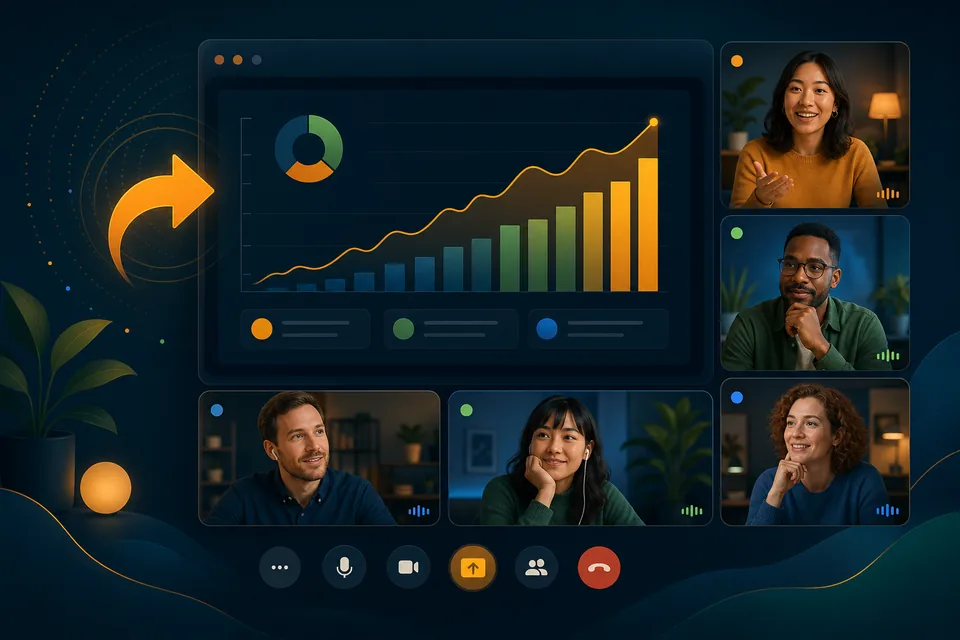
Show your work in a click. Instant screen sharing turns any space into a place to collaborate, troubleshoot, train, and present together.

From talking about it to showing it
The fastest way to get on the same page is to see the same screen. Kino Live makes screen sharing instant inside any workspace — no links to send, no meeting to start.
Whether you’re debugging together, walking through a design, or presenting to the room, sharing is as simple as clicking and showing.
What you can do with Screen Sharing
The capabilities that make it work for distributed, hybrid, and field teams.
One-click sharing
Start sharing your screen instantly from inside any room or space.
Collaborative troubleshooting
Work through problems together by showing exactly what’s on your screen.
Live presentations
Present to everyone in the room without launching a separate meeting tool.
Hands-on training
Walk teammates through workflows step by step with a shared view.
Where teams put it to work
Real scenarios where screen sharing makes the difference.
Pair programming
Two engineers share screens in their room to debug a tricky issue in real time.
Design reviews
A designer presents work-in-progress to the team and gathers live feedback on the spot.
Customer support
A support lead shares their screen to train new reps on the exact workflow they’ll use.
Explore more features
Ready to Try the Online Co-working Space?
Try Kino Live free for 14 days. See why distributed teams choose our online co-working space to stay connected and productive.
- 14-day free trial
- Cancel anytime